New Live Workshop Series on Zoom
Gemini for Beginners
Four Sundays, 2:00 to 3:00 PM Eastern, starting January 31, 2027
Gemini is Google's AI assistant, and Gemini Notebook (formerly NotebookLM) is Google's research tool that works from your own documents. In this four-part series, I'll show you how to get started, have a real back-and-forth conversation, build a notebook from your own sources, and keep your information safe along the way. You don't need a tech background.
- $50 per session
- $200 for all four parts
- Live on Zoom
About the Series
Who it's for.
This series is for people who keep hearing about AI and want a calm, plain-language place to start. If you already use Gmail, Google Docs, or an Android phone, Gemini is probably closer than you think. Maybe you've tried another AI tool and want to see how Gemini compares, or maybe you've never used one at all. Either way, you're welcome here.
Each part builds on the one before it, and each one also works on its own, so you can join for just the parts you want. Bring something real you'd like help with.
I've spent more than 35 years working in IT and more than 22 years teaching it at the college level, and I'm currently an executive doctoral student researching AI governance. I teach in plain language, with real examples and plenty of room for questions.
The Series
What we'll cover in all four parts.
We go a little deeper every time, and every part shows you how to use Gemini safely. All four sessions are on Sundays, 2:00 to 3:00 PM Eastern, on Zoom. I may adjust a topic based on the questions people bring, or if Google changes a feature before we meet.
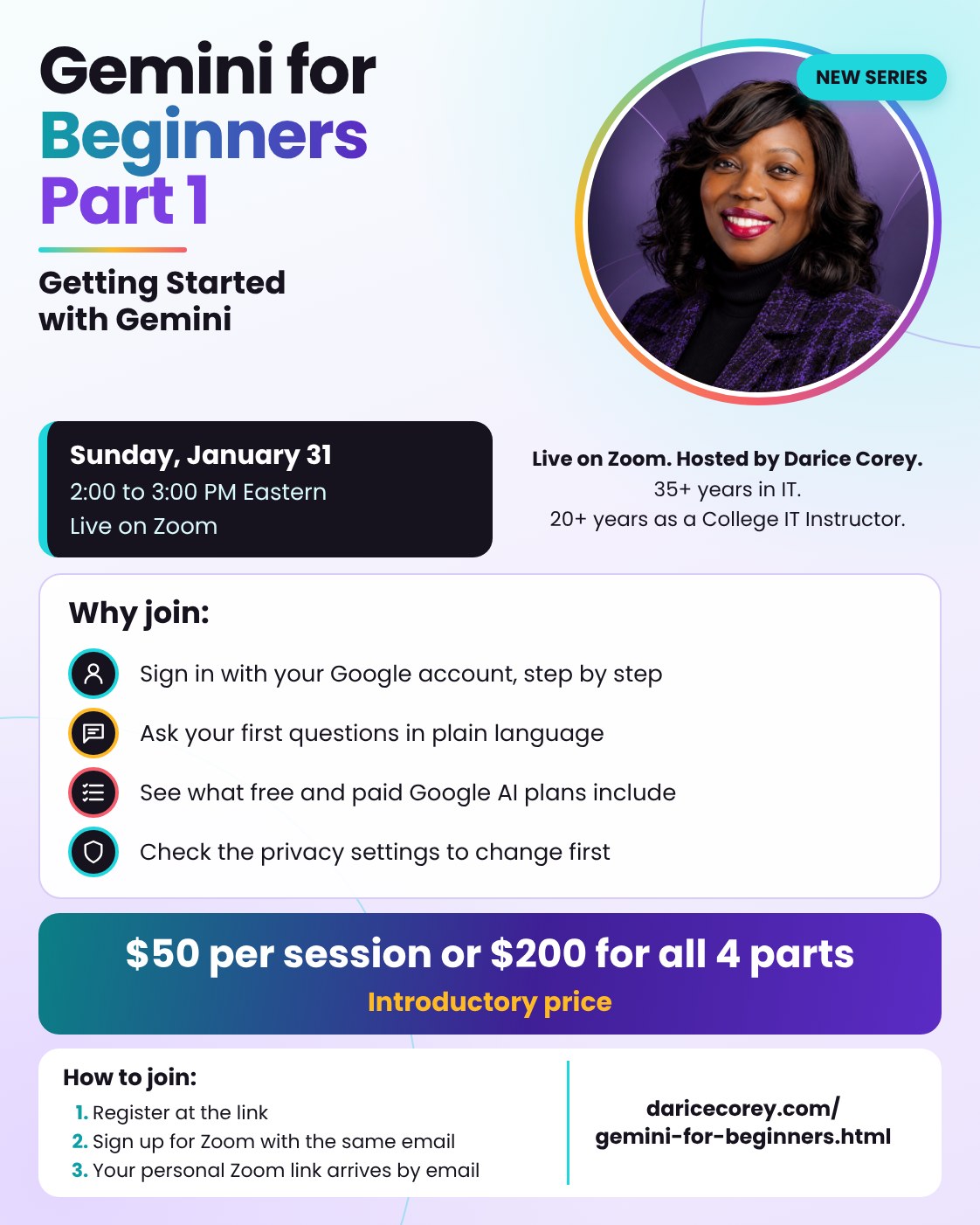
Part 1: Getting Started with Gemini
Sunday, January 31, 2027, 2:00 to 3:00 PM Eastern
- Signing in with a Google account you already have, or creating one
- Finding your way around Gemini on the web and on your phone
- A simple way to ask for what you need
- Seeing what the free and paid Google AI plans include
- Knowing when an answer needs a second look
Safety focus: the Keep Activity setting that controls what happens to your chats.
Register for Part 1 ($50)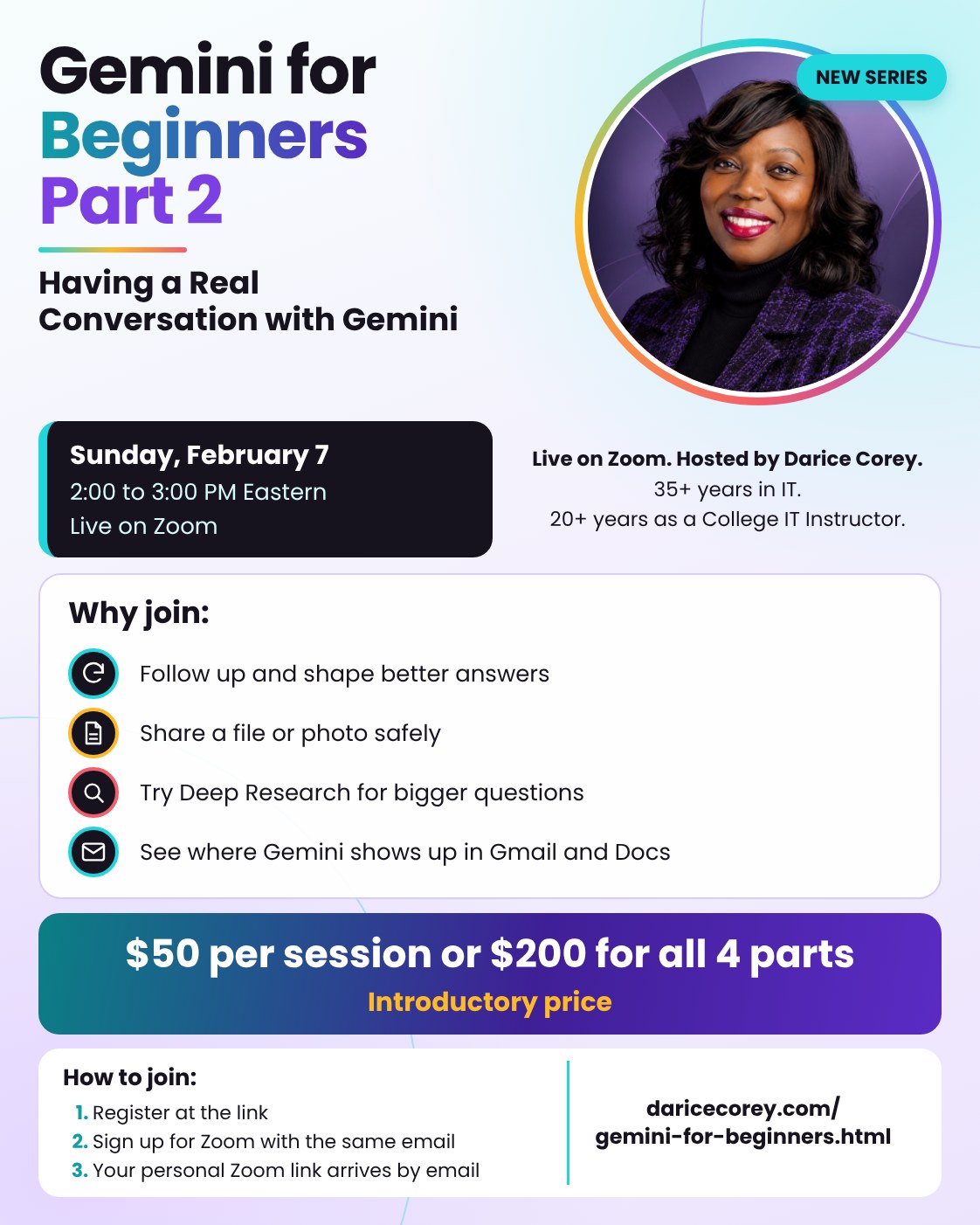
Part 2: Having a Real Conversation with Gemini
Sunday, February 7, 2027, 2:00 to 3:00 PM Eastern
- Using follow-up questions to shape an answer instead of starting over
- Giving Gemini the details it needs, like who it's for, the tone, and the length
- Sharing a file or photo safely and asking questions about it
- Trying Deep Research for bigger questions
- Seeing where Gemini shows up in Gmail and Docs
Safety focus: what's safe to share in a file, a photo, or an email.
Register for Part 2 ($50)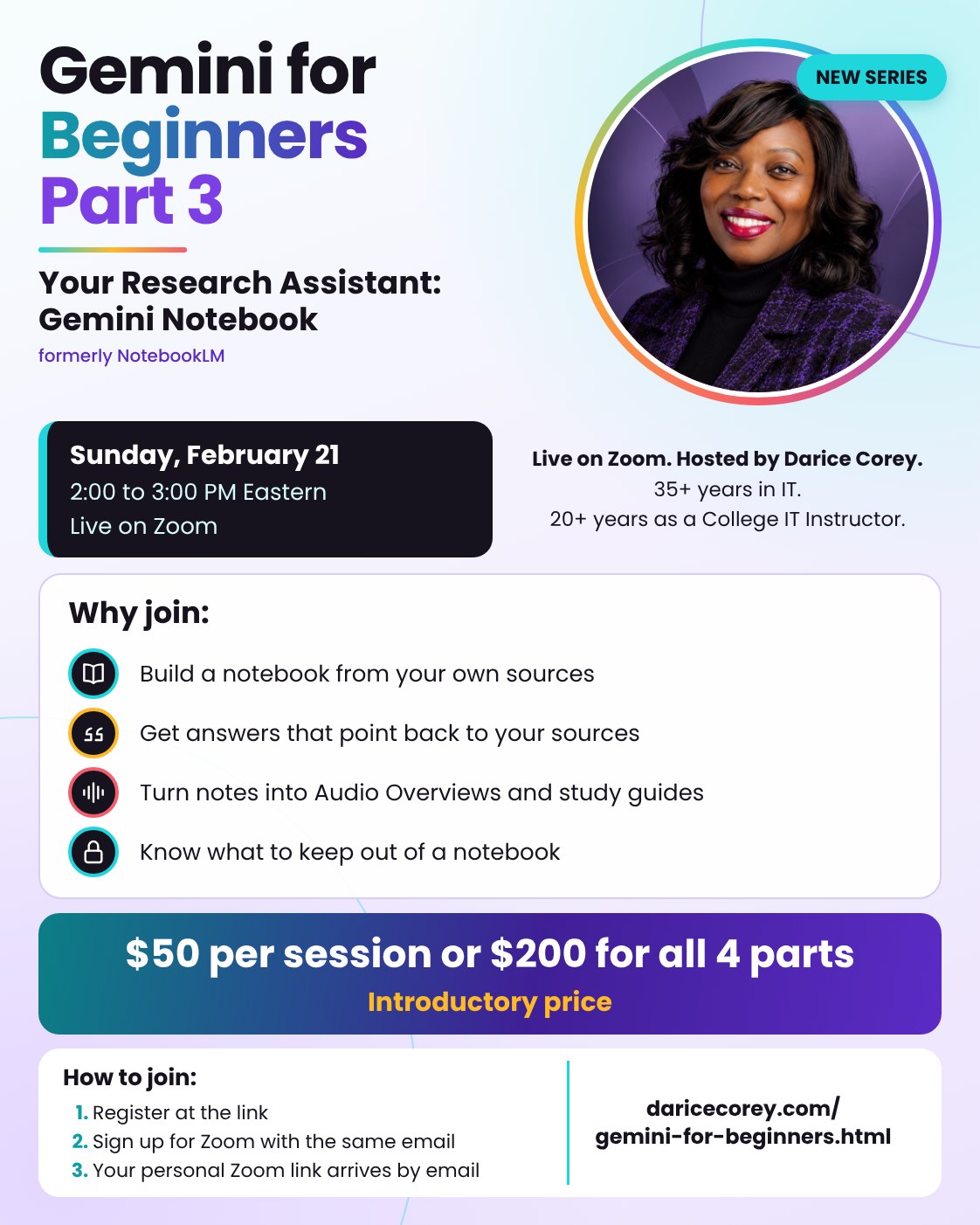
Part 3: Your Research Assistant: Gemini Notebook (formerly NotebookLM)
Sunday, February 21, 2027, 2:00 to 3:00 PM Eastern
- What Gemini Notebook is (Google's new name for NotebookLM)
- Building a notebook from your own documents, links, and notes
- Getting answers that point back to your sources
- Turning your notes into Audio Overviews, study guides, and flashcards
- Knowing the free limits and when an upgrade makes sense
Safety focus: what to keep out of a notebook, and who can see it when you share.
Register for Part 3 ($50)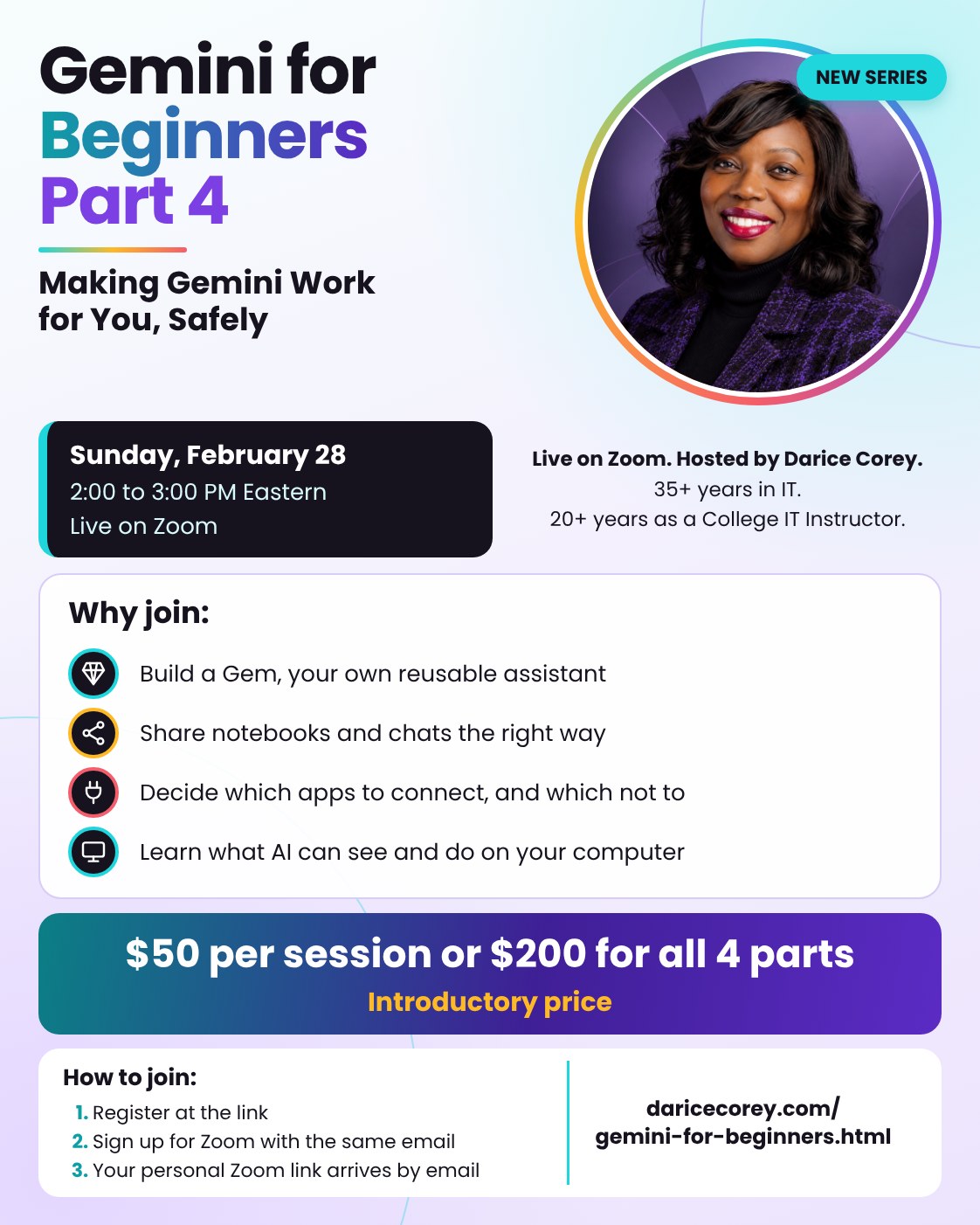
Part 4: Making Gemini Work for You, Safely
Sunday, February 28, 2027, 2:00 to 3:00 PM Eastern
- Building a Gem, your own reusable assistant
- Sharing chats and notebooks the right way, and taking links back
- Understanding connected apps before you turn them on
- What it means when AI can act on your computer
- Leaving with your own safe-use checklist
Safety focus: what Gemini can see and do when you connect apps or let AI act on your computer.
Register for Part 4 ($50)Before You Come
Your links and options.
Everything below uses Google's own pages. You can start free. I checked these details against Google's help pages in November 2026 and I'll check them again before each session, because Google changes plans and names often.
Getting set up
- Have a personal Google account ready (a Gmail address works). If you don't have one, Google's Create a Google Account page walks you through it.
- Open Gemini at gemini.google.com and sign in. The Gemini app is also available for Android and iPhone.
- Open Gemini Notebook at notebook.google and sign in with the same account.
- Check your activity settings at myactivity.google.com/product/gemini. We'll walk through this together in Part 1.
Using a work or school account? Your organization's administrator controls some settings and features, so a personal account is the easiest way to follow along.
Plan options
- Free: $0 with a Google account. Includes Gemini, Gems, Deep Research, Gemini Live, Canvas, Gemini Notebook, and 15 GB of storage.
- Google AI Plus: a lower-cost paid plan with higher limits than free. Check Google's plan page for the current price.
- Google AI Pro: $19.99 a month in the US. Higher usage limits, Gemini in Gmail, Docs, and more, higher Gemini Notebook limits, and 5 TB of storage. Paid plans are for ages 18 and up.
- Google AI Ultra: the highest tier, for heavy users. You won't need it for this series.
You do not need a paid plan for this series. See every plan on Google's Gemini plans page.
How much a notebook holds
- Free: up to 100 notebooks, 50 sources in each
- Google AI Plus: up to 200 notebooks, 100 sources in each
- Google AI Pro: up to 500 notebooks, 300 sources in each
Google lists these as subject to change. See the current numbers on Google's Gemini Notebook plans page.
Settings worth knowing
- If you're 18 or older, the Keep Activity setting is on by default. It saves your Gemini chats to your Google account.
- By default, activity older than 18 months is deleted automatically. You can change that to 3 or 36 months, or turn it off.
- Even with Keep Activity off, Google keeps conversations for up to 72 hours to run the service.
- Read more in the Gemini Apps Privacy Hub and Google's guide to managing your Gemini activity.
Register
Choose how you'd like to join.
This is introductory pricing for my first Gemini group.
Single Session
$50
- Any one of the four parts
- Each part works on its own, so you can join for just the ones you want
- Live on Zoom, with its own registration
Full Four-Part Series
$200
- All four live parts: January 31, February 7, February 21, and February 28
- Live on Zoom, Sundays, 2:00 to 3:00 PM Eastern
- You'll register on Zoom separately for each part
How It Works
Getting your Zoom link.
- Choose a single part or the full series above and complete checkout.
- After you pay, you'll land on a thank-you page with a link to register for the Zoom session. Please register using the same email address you used to pay. Each part has its own Zoom registration.
- I'll match your Zoom registration to your payment and approve it. Zoom will then email you your personal join link.
- You'll also get an email receipt from Stripe. If you don't see your Zoom email, check your spam folder or email me and I'll help.
Each join link is personal to the registered participant and works only for that session, so please don't share it.
Stay in the Loop
Want to hear about my next workshops?
I'm also running ChatGPT and Claude versions of this series, and my Copilot for Beginners series starts February 4. Join my workshop updates list and I'll email you when new dates open.
It's free, and you can unsubscribe anytime. Workshop Updates, Community AI, Village Notes, and Scholarships & Fellowships each send a quick confirmation email first.
Questions
I'm happy to help.
Every workshop I lead includes a short module on what AI tools can see and do on your computer, and how to keep your information safe. If you have questions before you register, email me.