New Live Workshop Series on Zoom
Copilot for Beginners
Four Thursdays, 7:00 to 8:00 PM Eastern, starting February 4, 2027
Copilot is Microsoft's AI assistant. It's on the web, in Windows, on your phone, and inside Word, Excel, and Outlook. In this four-part series, I'll show you how to get started with a personal Microsoft account, have a real back-and-forth conversation, put it to work in the apps you already use, and keep your information safe along the way. You don't need a tech background.
- $50 per session
- $200 for all four parts
- Live on Zoom
About the Series
Who it's for.
This series is for people who keep hearing about AI and want a calm, plain-language place to start. If you use Windows, Outlook, or Word, Copilot is probably already a click away. Maybe you've tried another AI tool and want to see how Copilot compares, or maybe you've never used one at all. Either way, you're welcome here.
This series uses a personal Microsoft account. If your employer gives you Copilot at work, your organization controls those settings, so I'll point out the differences, but we'll practice on personal accounts.
I've spent more than 35 years working in IT and more than 22 years teaching it at the college level, and I'm currently an executive doctoral student researching AI governance. I teach in plain language, with real examples and plenty of room for questions.
The Series
What we'll cover in all four parts.
We go a little deeper every time, and every part shows you how to use Copilot safely. All four sessions are on Thursdays, 7:00 to 8:00 PM Eastern, on Zoom. I may adjust a topic based on the questions people bring, or if Microsoft changes a feature before we meet.
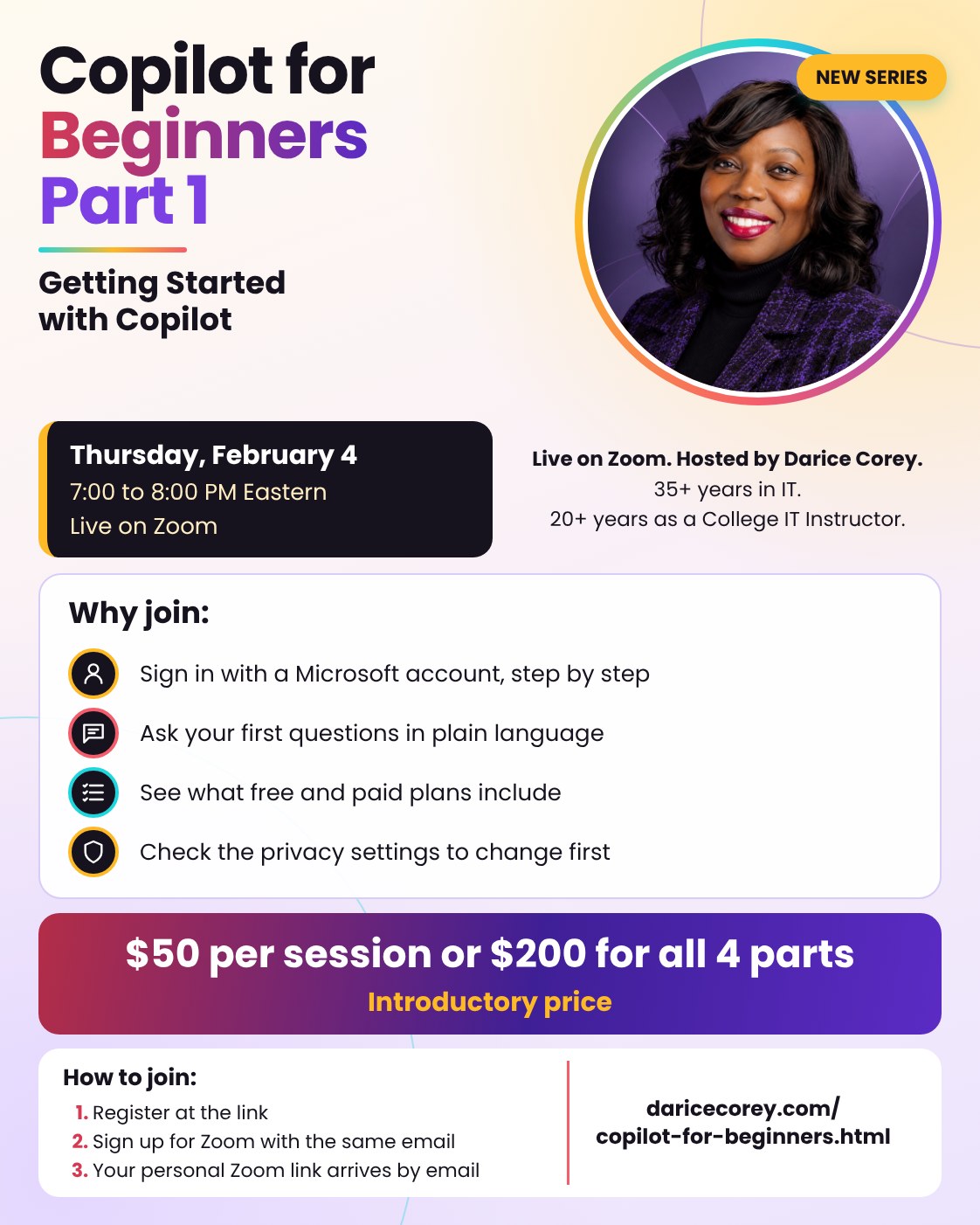
Part 1: Getting Started with Copilot
Thursday, February 4, 2027, 7:00 to 8:00 PM Eastern
- Signing in with a personal Microsoft account, or creating one
- Finding your way around Copilot on the web, your computer, and your phone
- A simple way to ask for what you need
- Seeing what the free and paid plans include
- Knowing when an answer needs a second look
Safety focus: the memory and personalization settings that control what Copilot keeps about you.
Register for Part 1 ($50)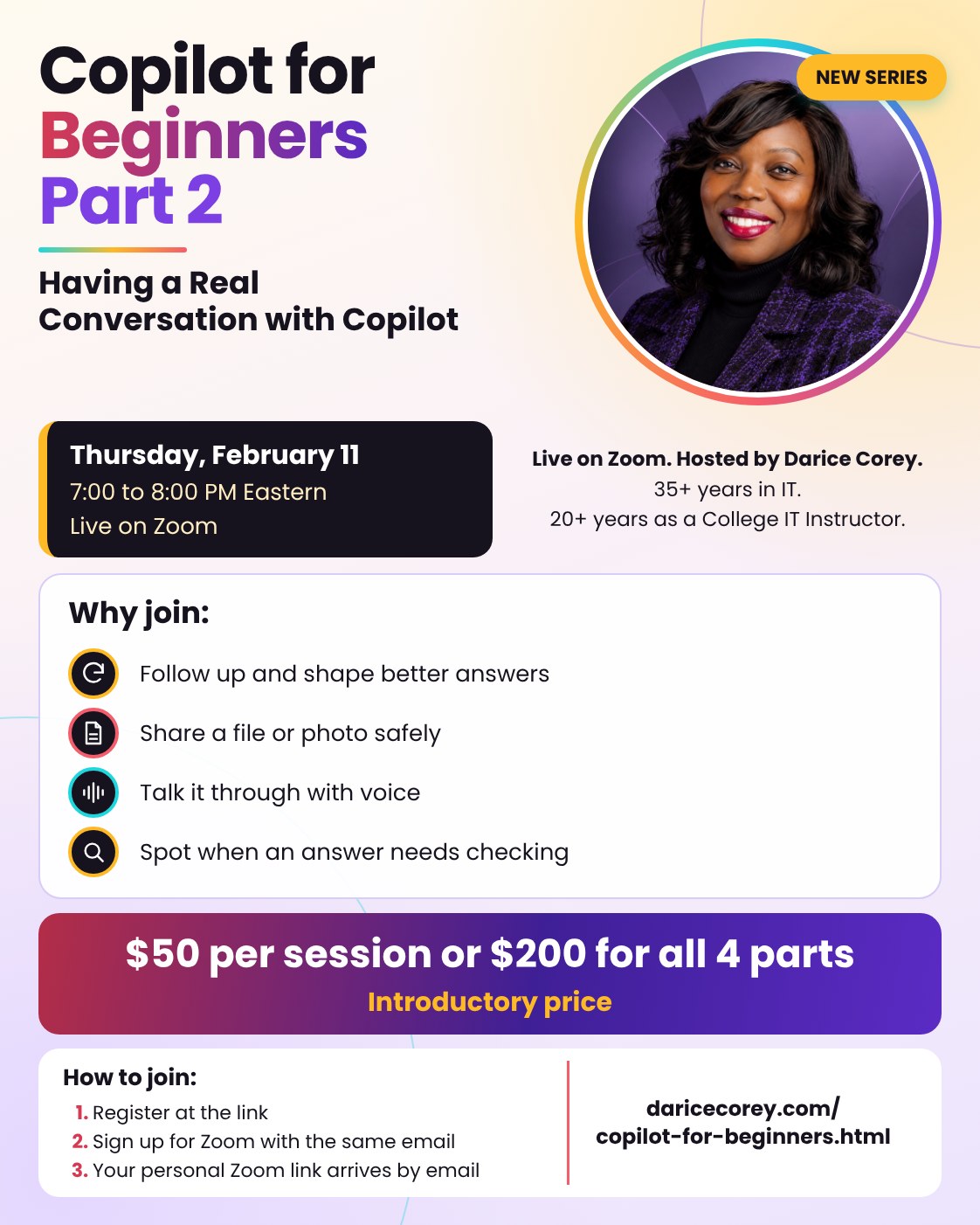
Part 2: Having a Real Conversation with Copilot
Thursday, February 11, 2027, 7:00 to 8:00 PM Eastern
- Using follow-up questions to shape an answer instead of starting over
- Giving Copilot the details it needs, like who it's for, the tone, and the length
- Sharing a file or photo safely and asking questions about it
- Talking it through with voice
- Spotting when an answer needs checking
Safety focus: what's safe to share in a file, a photo, or a voice chat.
Register for Part 2 ($50)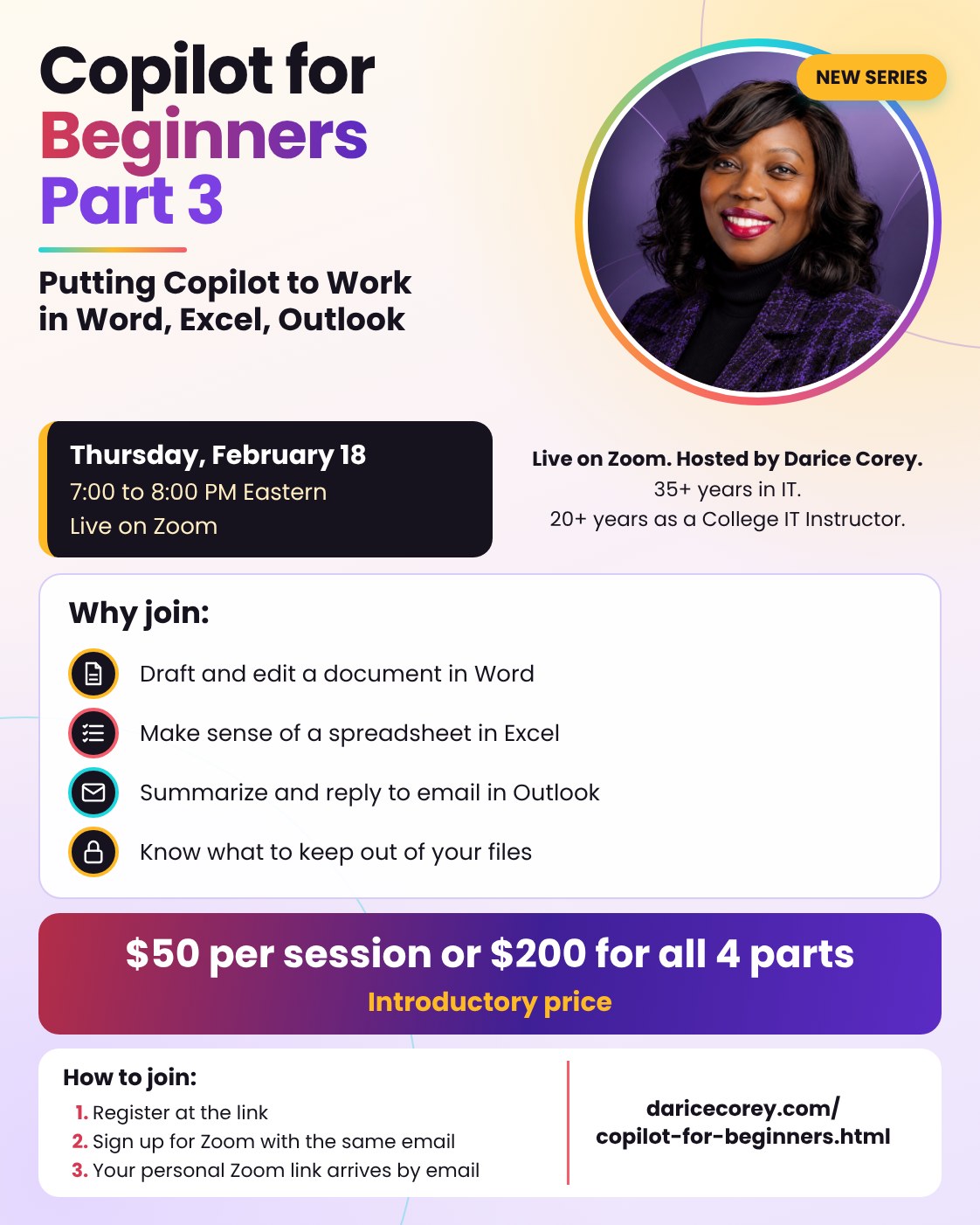
Part 3: Putting Copilot to Work in Word, Excel, and Outlook
Thursday, February 18, 2027, 7:00 to 8:00 PM Eastern
- Drafting and editing a letter or document in Word
- Making sense of a spreadsheet in Excel
- Summarizing and replying to email in Outlook
- What you should never paste into a document or email
Safety focus: keeping personal and financial details out of your files and prompts.
Good to know: Copilot inside Word, Excel, and Outlook needs a Microsoft 365 Personal, Family, or Premium plan. If you use the free version, you can follow along and try the same steps in the Copilot app.
Register for Part 3 ($50)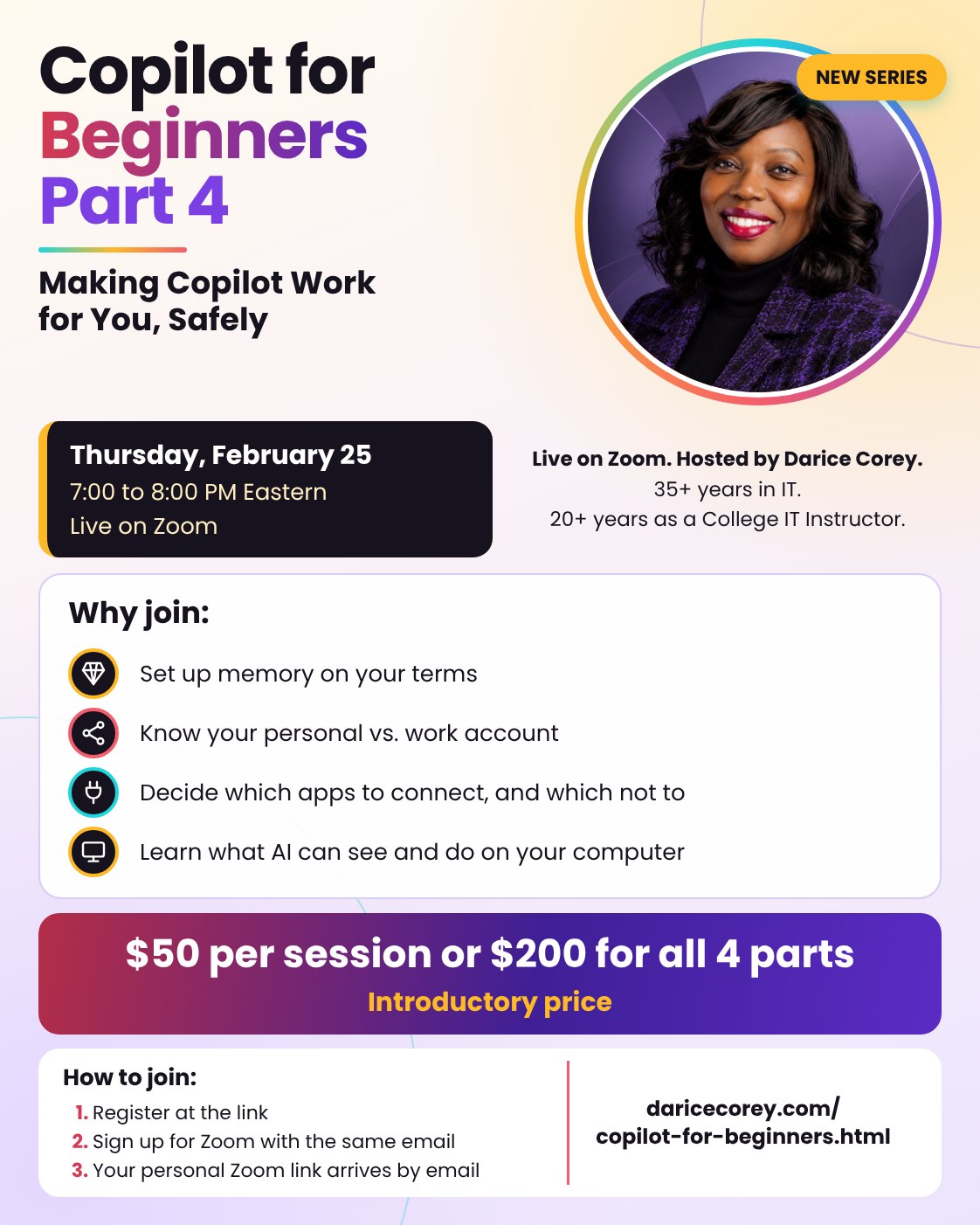
Part 4: Making Copilot Work for You, Safely
Thursday, February 25, 2027, 7:00 to 8:00 PM Eastern
- Setting up memory on your terms, and how to review or delete it
- Knowing the difference between your personal and work accounts
- Understanding connected apps before you turn them on
- What it means when AI can act on your computer
- Leaving with your own safe-use checklist
Safety focus: what Copilot can see and do when you connect apps or let AI act on your computer.
Register for Part 4 ($50)Before You Come
Your links and options.
Everything below uses Microsoft's own pages. You can start free. I checked these details against Microsoft's pages in November 2026 and I'll check them again before each session, because Microsoft updates Copilot often. Its newest Copilot app came out in August 2026, and some settings moved.
Getting set up
- Have a personal Microsoft account ready. If you use Outlook.com, Hotmail, Xbox, or sign in to Windows, you may already have one. Microsoft's guide shows how to check if your email is a Microsoft account.
- Open Copilot at copilot.com and sign in. Copilot is also available as an app for Windows, Mac, Android, and iPhone.
- If you have trouble signing in, Microsoft's sign-in help page walks you through it.
- If you have Microsoft 365 Personal, Family, or Premium, open Word or Excel and look for the Copilot button. We'll use it in Part 3.
Using a work or school account? Your organization controls what Copilot can do there, so please bring a personal account to follow along.
Plan options
- Free: a limited free version of Copilot with a Microsoft account. It doesn't include Copilot inside Word, Excel, or Outlook.
- Microsoft 365 Personal: $9.99 a month or $99.99 a year in the US, for one person. Adds Copilot in Word, Excel, PowerPoint, Outlook, and OneNote, with higher limits than free.
- Microsoft 365 Family: $12.99 a month or $129.99 a year, for up to six people. The Copilot features are for the subscription owner only.
- Microsoft 365 Premium: $19.99 a month or $199.99 a year, with the most Copilot use for most people.
You do not need a paid plan for Parts 1, 2, and 4. Microsoft offers a one-month free trial of Personal, Family, and Premium. See every plan on Microsoft's Copilot plans page.
Settings worth knowing
- In the newest Copilot app, your privacy choices are under Settings, then Personalization. That's where you can review or delete what Copilot remembers about you.
- You can delete one chat, or your whole chat history, at any time.
- You can turn off personalized ads in the same Personalization settings.
- Read more in Microsoft's guide to your Copilot privacy controls and choices.
Copilot in Word, Excel, and Outlook
- Copilot in Excel works on files saved to OneDrive with AutoSave turned on.
- You can turn Copilot off in Word, Excel, and PowerPoint if you'd rather not use it in a particular file or class.
- Microsoft answers common questions in its Copilot in Microsoft 365 subscriptions FAQ.
Register
Choose how you'd like to join.
This is introductory pricing for my first Copilot group.
Single Session
$50
- Any one of the four parts
- Each part works on its own, so you can join for just the ones you want
- Live on Zoom, with its own registration
Full Four-Part Series
$200
- All four live parts: February 4, 11, 18, and 25
- Live on Zoom, Thursdays, 7:00 to 8:00 PM Eastern
- You'll register on Zoom separately for each part
How It Works
Getting your Zoom link.
- Choose a single part or the full series above and complete checkout.
- After you pay, you'll land on a thank-you page with a link to register for the Zoom session. Please register using the same email address you used to pay. Each part has its own Zoom registration.
- I'll match your Zoom registration to your payment and approve it. Zoom will then email you your personal join link.
- You'll also get an email receipt from Stripe. If you don't see your Zoom email, check your spam folder or email me and I'll help.
Each join link is personal to the registered participant and works only for that session, so please don't share it.
Stay in the Loop
Want to hear about my next workshops?
I'm also running ChatGPT, Claude, and Gemini versions of this series. Join my workshop updates list and I'll email you when new dates open.
It's free, and you can unsubscribe anytime. Workshop Updates, Community AI, Village Notes, and Scholarships & Fellowships each send a quick confirmation email first.
Questions
I'm happy to help.
Every workshop I lead includes a short module on what AI tools can see and do on your computer, and how to keep your information safe. If you have questions before you register, email me.